

What's New in Wing Pro
Wing 10 adds AI assisted code suggestion and refactoring, support for Python 3.12 including faster debugging with the new PEP 669 low-impact monitoring API, Poetry for package management, Ruff for code warnings and reformatting, & more.
Wing 9.1 adds auto-import and import management, collects and displays code coverage for unit tests, uses coverage data to invalidate test results when code is edited, adds support for Python 3.11,reduces debugger overhead in Python 3.7+, speeds up running unit tests, streamlines configuration of light and dark theming, adds two light display themes, and makes improvements to New Project for Docker and Django, auto-invocation, multi-threaded debugging, code analysis, & more.
AI Assisted Development
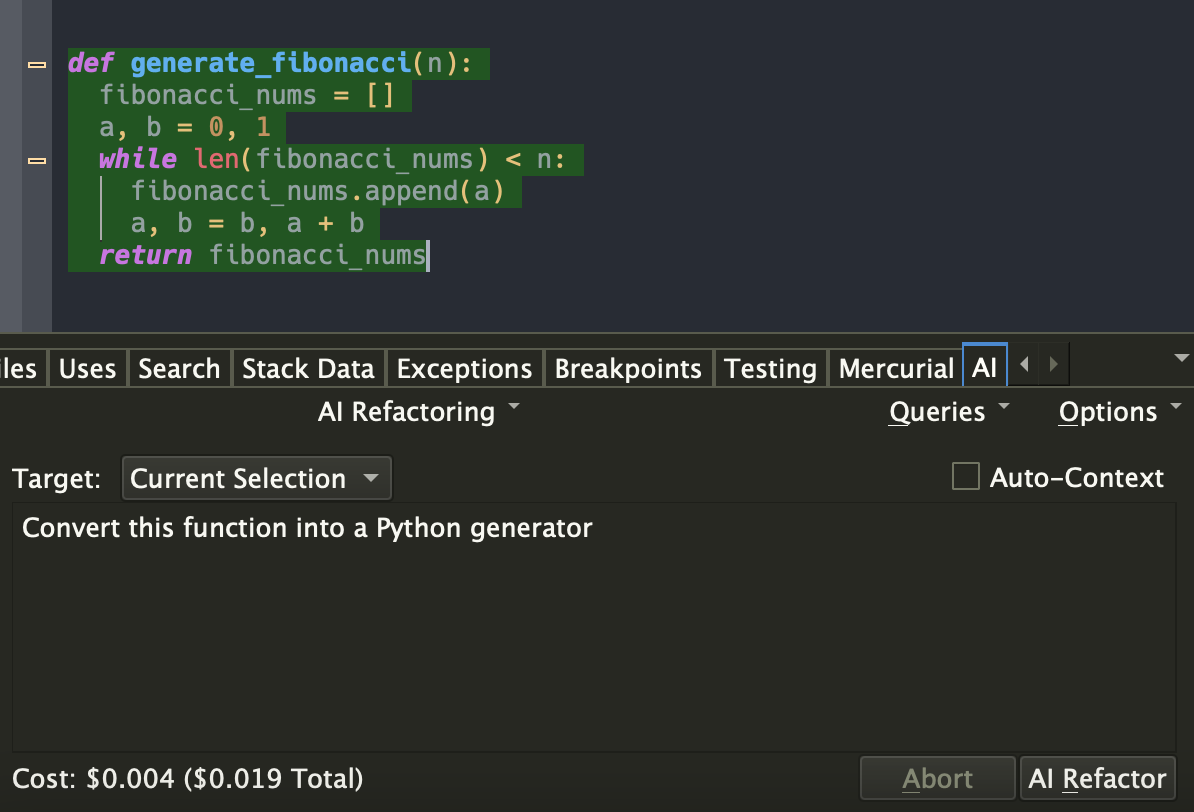
Wing Pro 10 takes advantage of recent advances in the capabilities of generative AI to provide powerful AI assisted development, including AI code suggestion, AI driven code refactoring, description-driven development, and AI chat. You can ask Wing to implement missing code at the current input position, use AI to refactor, enhance, or extend existing code by describing the changes that you want to make, or chat about code in order to understand, redesign, or extend it. Example requests include: "add a docstring to this method", "create unit tests for class A", "convert this into a Python generator", and "rewrite this threaded code to instead run asynchronously". Your role changes from writing code manually to directing an intelligent assistant capable of completing a wide range of programming tasks.
Python 3.11 and 3.12
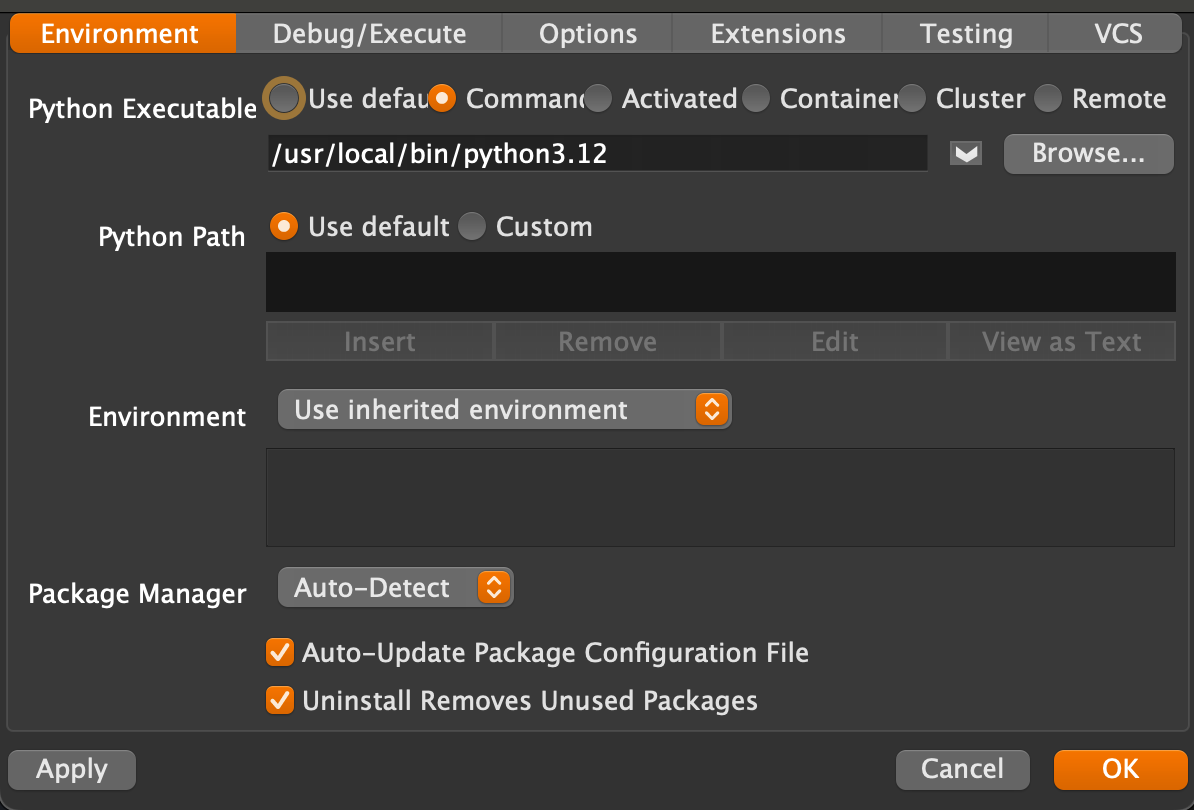
Wing 10 adds support for Python 3.12, including (1) faster debugging with PEP 669 low impact monitoring API, (2) PEP 695 parameterized classes, functions and methods, (3) PEP 695 type statements, and (4) PEP 701 style f-strings. Wing 9 added support for Python 3.11.
Poetry Package Management
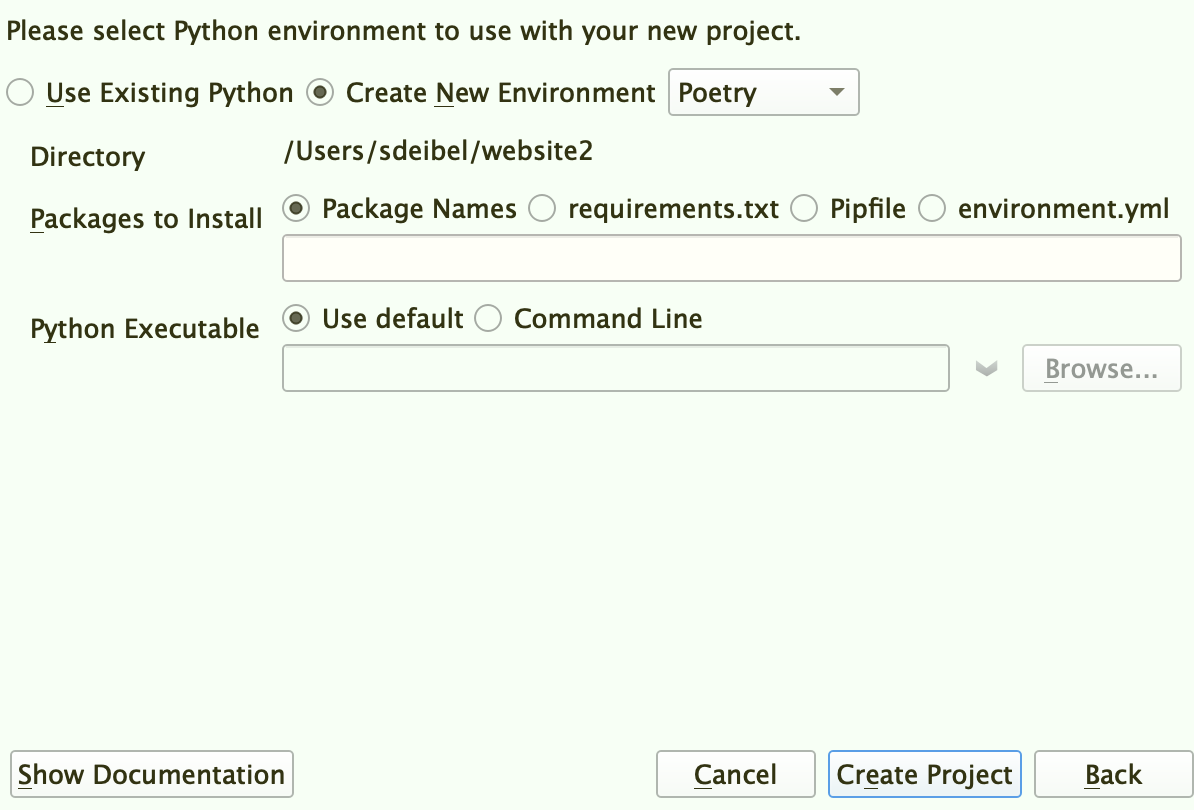
Wing 10 adds support for Poetry package management in the New Project dialog and the Packages tool in the Tools menu. Poetry is an easy-to-use cross-platform dependency and package manager for Python, similar to pipenv.
Ruff Code Warnings & Reformatting
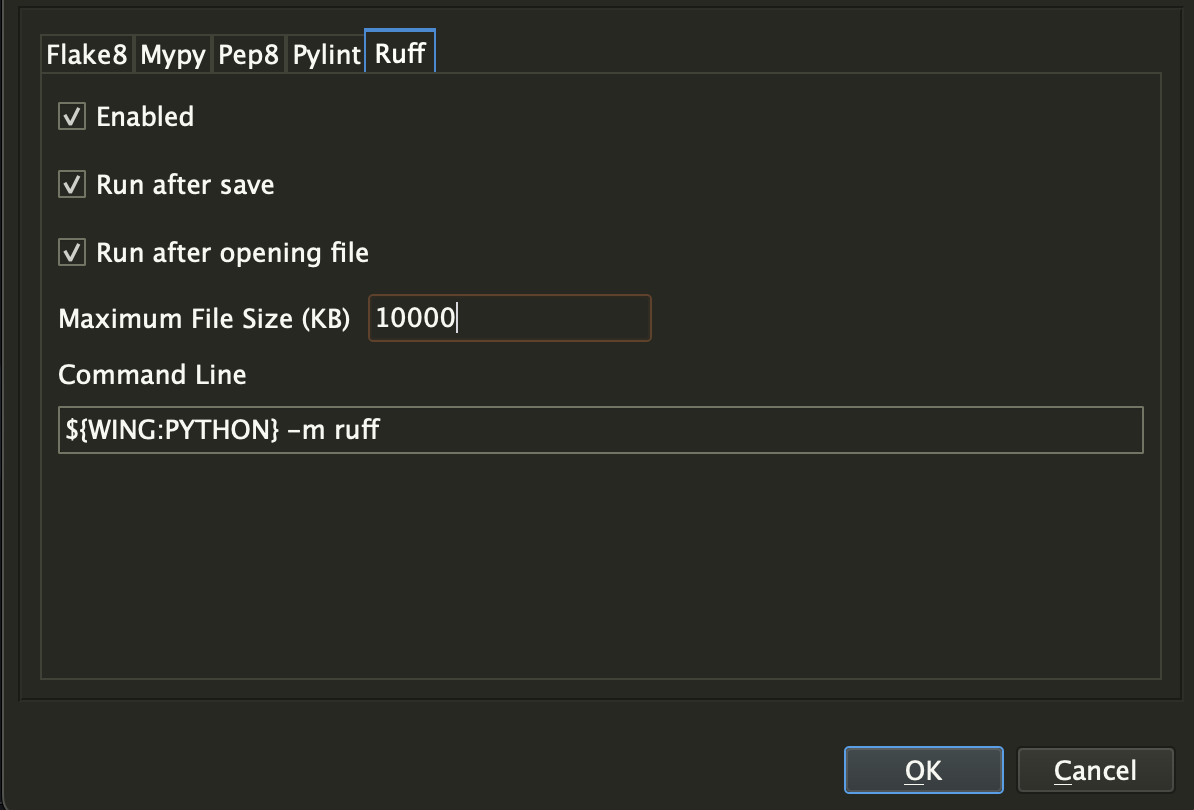
Wing 10 adds support for Ruff as an external code checker in the Code Warnings tool, accessed from the Tools menu. Ruff can also be used as a code reformatter in the Source > Reformatting menu group. Ruff is an incredibly fast Python code checker that can replace or supplement flake8, pylint, pep8, and mypy.
Import Management
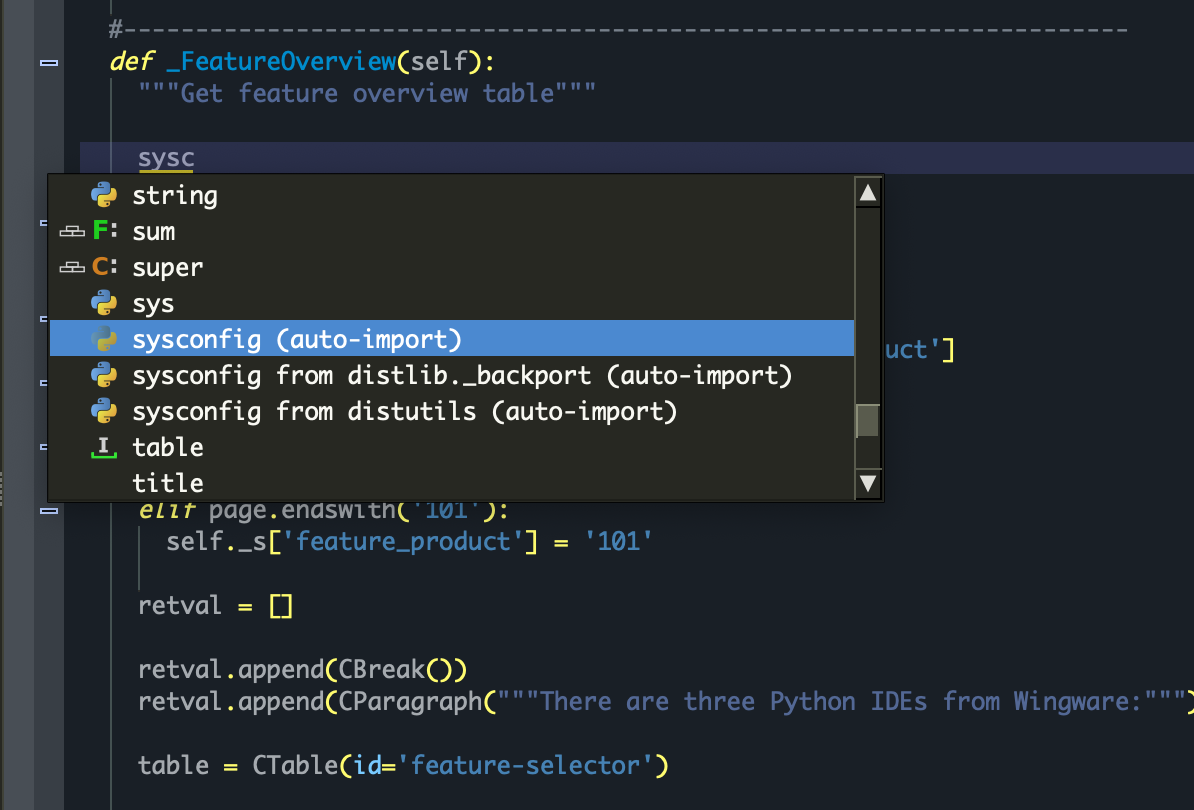
Wing 9.1 adds the ability to auto-enter imports from the auto-completer, eliminating the need to move up and down in a file to add imports while writing new code. The new Imports tool makes it easy to find and remove imports that are unused anywhere in your code.
Code Coverage
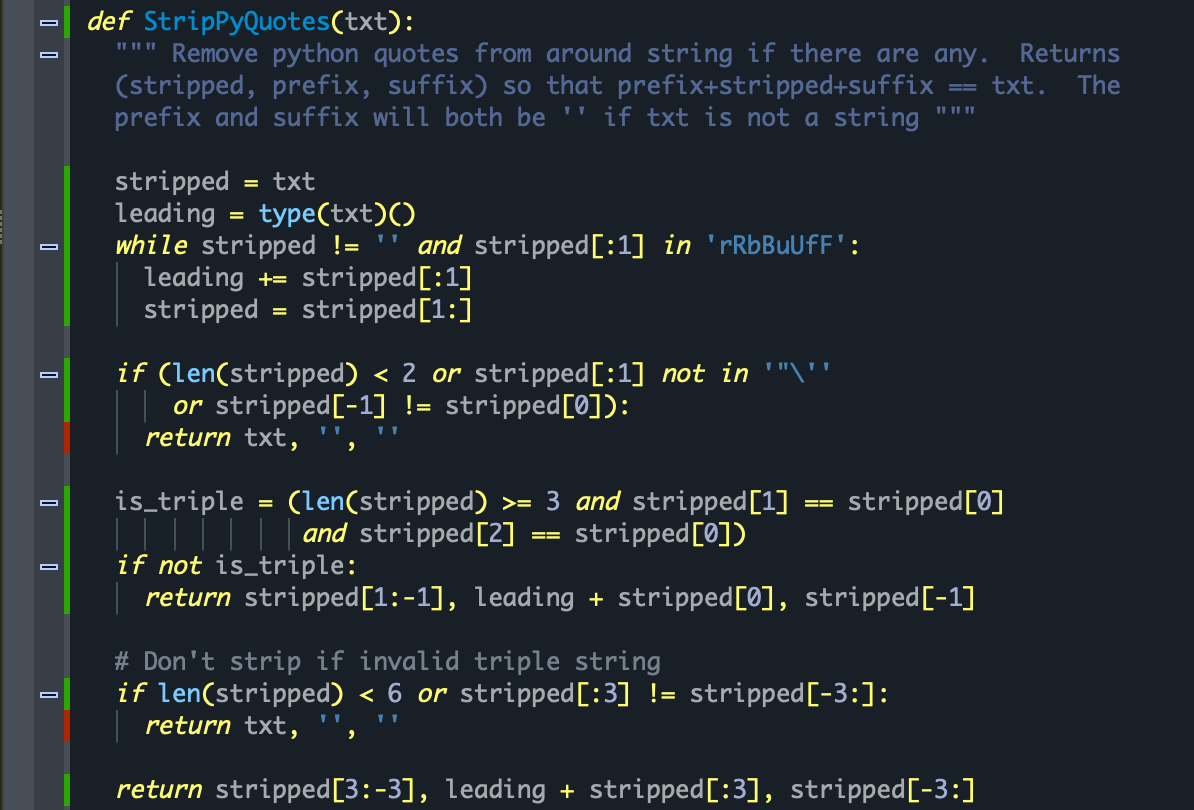
Wing 9.1 adds the ability to track and display code coverage for unit tests, so that you can see how well your tests are exercising your code. Coverage data is also used to determine which previously collected test results are invalidated by edits made to your code, so that tests affected by edits may be re-run sooner in the development process.
Faster Debugging and Unit Testing
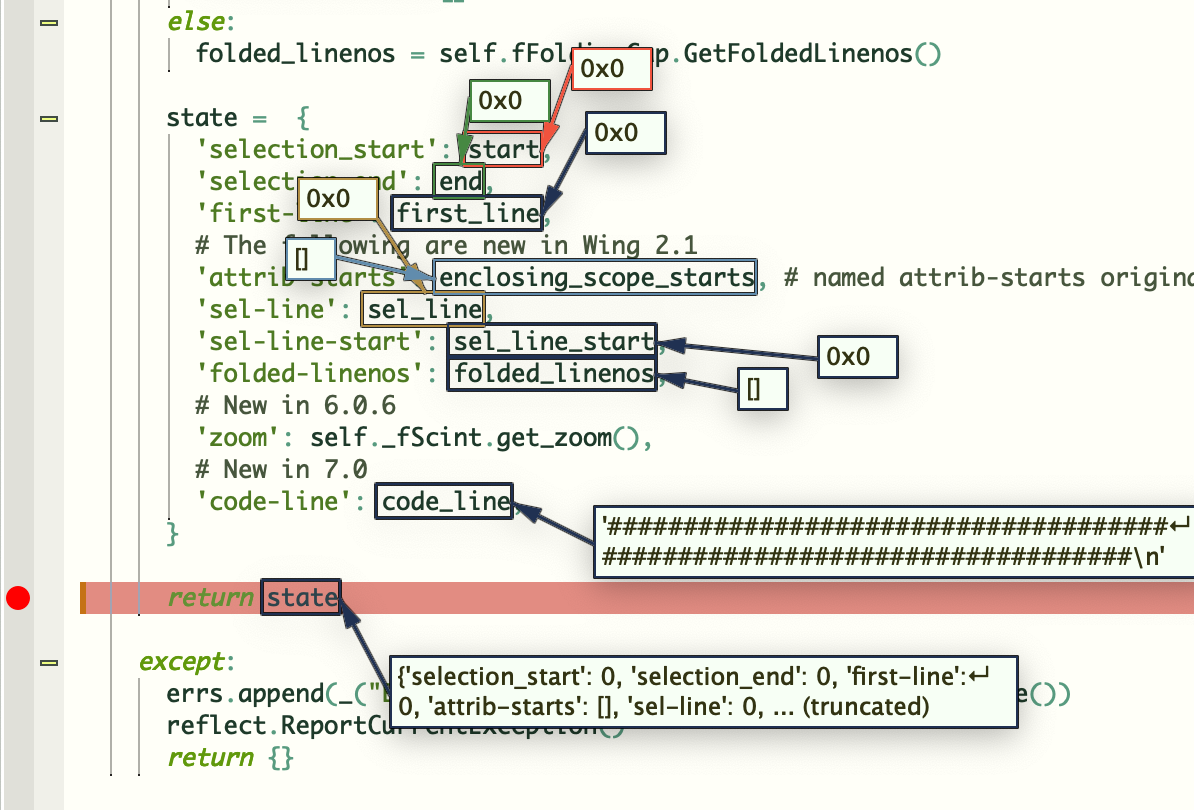
Wing 9.1 reduces debugger overhead by about 20-50% in Python 3.7+. The exact amount of performance improvement you will see depends on the nature of the code that is being debugged and the Python version that you are using. Wing 9.1 also substantially speeds up running unit tests in projects with large numbers of unit tests and when tests produce a large amount of output.
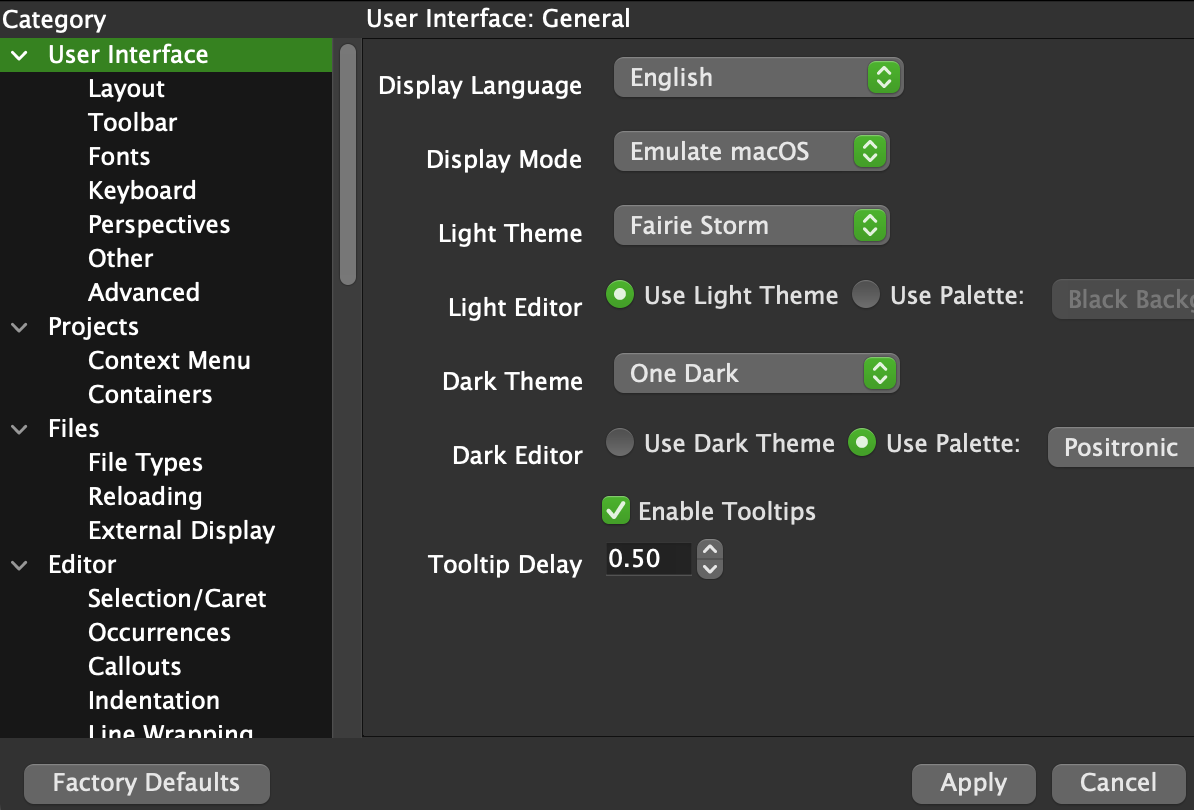
Streamlined Light and Dark Theming
Wing 9.1 allows configuring a light and dark theme independently (on the first Preferences page) in order to make it easier to switch between light and dark modes. Two new light themes New Light and Faerie Storm have been added, and switching display modes should be faster and smoother visually.
Other Recent Improvements
- Quick toggle between stack frames for innermost project and test files
- Show auto-invocation arguments for methods of super()
- Add Run Not-Yet-Run Tests option to the Testing menu
- Improve New Project support for Docker, Django, and other environments
- Fix a number of issues affecting multi-threaded debugging
- Fix several code analysis issues
- Improve reliability of remote development across network failures
- Improve keyboard navigation of Search in Files results
- Fix some issues in auto-editing and auto-spacing
- Improved Diff/Merge tool
- Improved auto-imports UI
Not all of these features are available in Wing Personal and Wing 101. See the product comparison for details.
The change log on the downloads page contains a detailed list of all changes up to that release.
Upgrading
If you are upgrading from an earlier major release of Wing, see Upgrading for details and Migrating from Older Versions for a list of compatibility notes.
Try Wing Pro Today
Wing Pro is a powerful IDE designed just for Python. Find out how Wing Pro can turbocharge your Python development by trying it today!

Questions? Don't hesitate to email us at support@wingware.com