Using Wing with mod_python

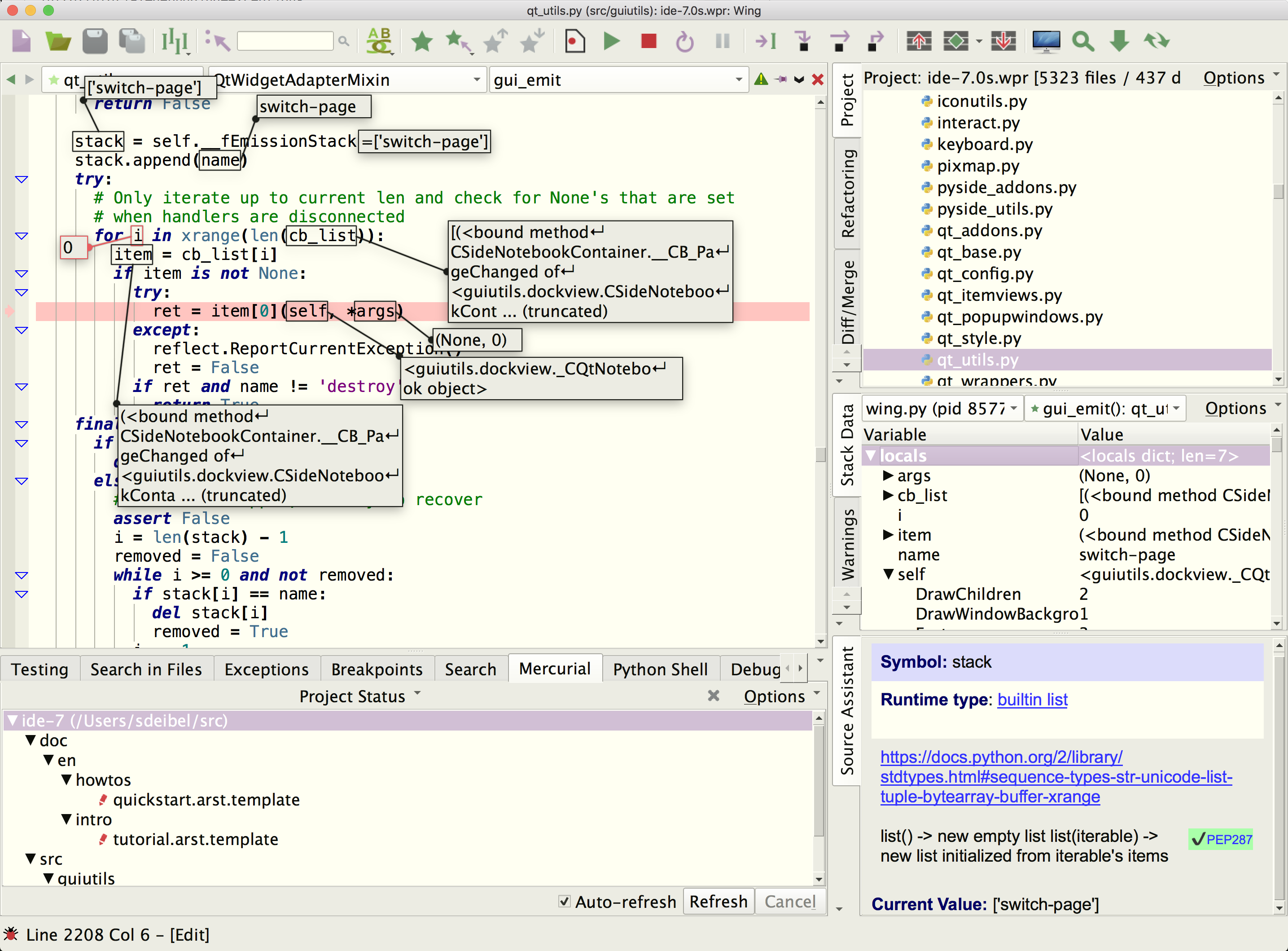
Wing Pro is a Python IDE that can be used to develop, test, and debug Python code that is run by the mod_python module for the Apache web server.
If you do not already have Wing Pro installed, download it now.
This document describes how to configure Wing for mod_python. To get started using Wing as your Python IDE, please refer to the tutorial in Wing's Help menu or read the Quickstart Guide.
Note: This document is not being maintained and was last tested in ancient times.
Introduction
This document assumes mod_python is installed and Apache is configured to use it; please see the installation chapter of the mod_python manual for information on how to install it.
Since Wing's debugger takes control of all threads in a process, only one http request can be debugged at a time. In the technique described below, a new debugging session is created for each request and the session is ended when the request processing ends. If a second request is made while one is being debugged, it will block until the first request completes. This is true of requests processed by a single Python module and it is true of requests processed by multiple Python modules in the same Apache process and its child processes. As a result, it is recommended that only one person debug mod_python based modules per Apache instance and production servers should not be debugged.
Quick Start
- Copy wingdbstub.py (from the install directory listed in Wing's About box) into either the directory the module is in or another directory in the Python path used by the module.
- Edit wingdbstub.py if needed so the settings match the settings in your preferences. Typically, nothing needs to be set unless Wing's debug preferences have been modified. If you do want to alter these settings, see the Manually Configured Remote Debugging section of the Wing reference manual for more information.
- Copy wingdebugpw from your Settings Directory into the directory that contains the module you plan to debug. This step can be skipped if the module to be debugged is going to run on the same machine and under the same user as Wing. The wingdebugpw file must contain exactly one line.
- Insert import wingdbstub at the top of the module imported by the mod_python core.
- Insert if wingdbstub.debugger != None: wingdbstub.debugger.StartDebug() at the top of each function that is called by the mod_python core.
- Allow debug connections to Wing by setting the Debugger > Listening > Accept Debug Connections preference to true.
- Restart Apache and load a URL to trigger the module's execution.
Example
To debug the hello.py example from the Publisher chapter of the mod_python tutorial, modify the hello.py file so it contains the following code:
import wingdbstub

def say(req, what="NOTHING"):
  wingdbstub.Ensure()
  return "I am saying %s" % what
And set up the mod_python configuration directives for the directory that hello.py is in as follows:
AddHandler python-program .py
PythonHandler mod_python.publisher
Then set a breakpoint on the return "I am saying %s" % what line, make sure Wing is listening for a debug connection, and load http://[server]/[path]/hello.py in a web browser (substitute appropriate values for [server] and [path]). Wing should then stop at the breakpoint.
Remote Development
Wing Pro can work with mod_python code that is running on a remote host, VM, or container. To do this, you need to be able to connect to the remote system with SSH. Then you can create your project in the same way as above, using the Connect to Remote Host via SSH project type. See Remote Hosts for more information on remote development with Wing Pro.
Related Documents
For more information see:
- Mod_python website for downloads and documentation.
- Quickstart Guide contains additional basic information about getting started with Wing.
- Tutorial provides a gentler introduction to Wing's features.
- Wing Reference Manual documents Wing in detail.